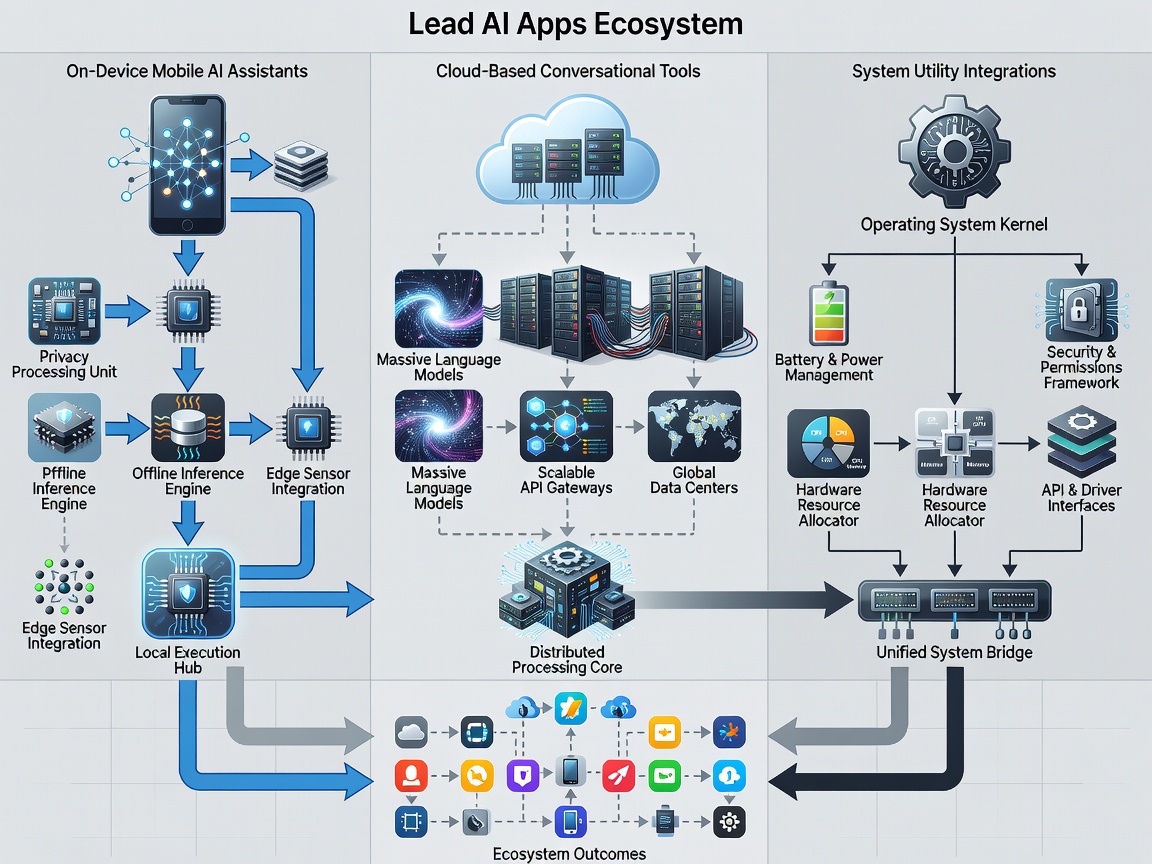
Core Categories of Mobile AI Software
When examining mobile applications that claim artificial intelligence capabilities, software generally falls into four tangible operational models:
- Conversational Reasoning Clients: Standalone interfaces that send user prompts to hosted remote models for text synthesis, drafting, and programming logic.
- Real-Time Auditory Transcribers: Speech-to-text engines running whisper-style neural networks directly on device silicon to generate instantaneous transcripts without cellular connectivity.
- Computer Vision Analyzers: Tools that parse camera sensor feeds to identify flora, translate signage, inspect physical documents, or isolate foreground subjects from complex backgrounds.
- Automated Knowledge Organizers: Background indexing utilities that scan user-captured receipts, articles, and bookmarks to cluster concepts semantically rather than alphabetically.
Selection Criteria: Identifying Practical Utility
Many applications repackage simple API calls with costly recurring subscription fees. Discerning users should evaluate software based on four pragmatic benchmarks:
Benchmark: The Offline Integrity Test
Does the application retain core utility when placed in airplane mode? If basic search, note querying, or document processing immediately breaks down, the tool is strictly an internet client, exposing your private drafts to third-party servers.
Latency represents the second major metric. A mobile application that requires five seconds to interpret a short dictation command interrupts cognitive workflow. Effective tools execute rapid token generation or speech segmentation within milliseconds.
Privacy and Platform Differences
Android and iOS handle neural background execution with distinct constraints. Apple’s operating system restricts extended background execution unless explicitly tied to ongoing audio recording or location tracking, forcing many generative tasks to pause if the screen sleeps. Conversely, Android allows more aggressive background daemon processing, but battery management algorithms may terminate unoptimized background tasks prematurely.
| Processing Model | Primary Advantage | Primary Limitation | Data Exposure Risk |
|---|---|---|---|
| On-Device Silicon | Instant response, functions offline | Constrained parameter size | Minimal (Encrypted locally) |
| Cloud API Tunnel | Access to frontier multi-billion parameter models | Requires constant data connection | Moderate to High (Depends on server retention) |
| Hybrid Partitioned | Complex queries route remotely; simple remain local | Variable response latency | Selective metadata transmission |
What to Know Before Installing
Before authorizing system permissions for any emergent AI app, check camera, microphone, and photo library access requirements. An application focused on note summarization has no legitimate architectural need for continuous background location access. Maintain a disciplined stance toward software permissions.
Good For:
- Synthesizing multi-page PDF documents during transit.
- Live phonetic language translation during international travel.
- Rapidly extracting text and data tables from photographed physical whiteboards.