The Rapid Capture Protocol
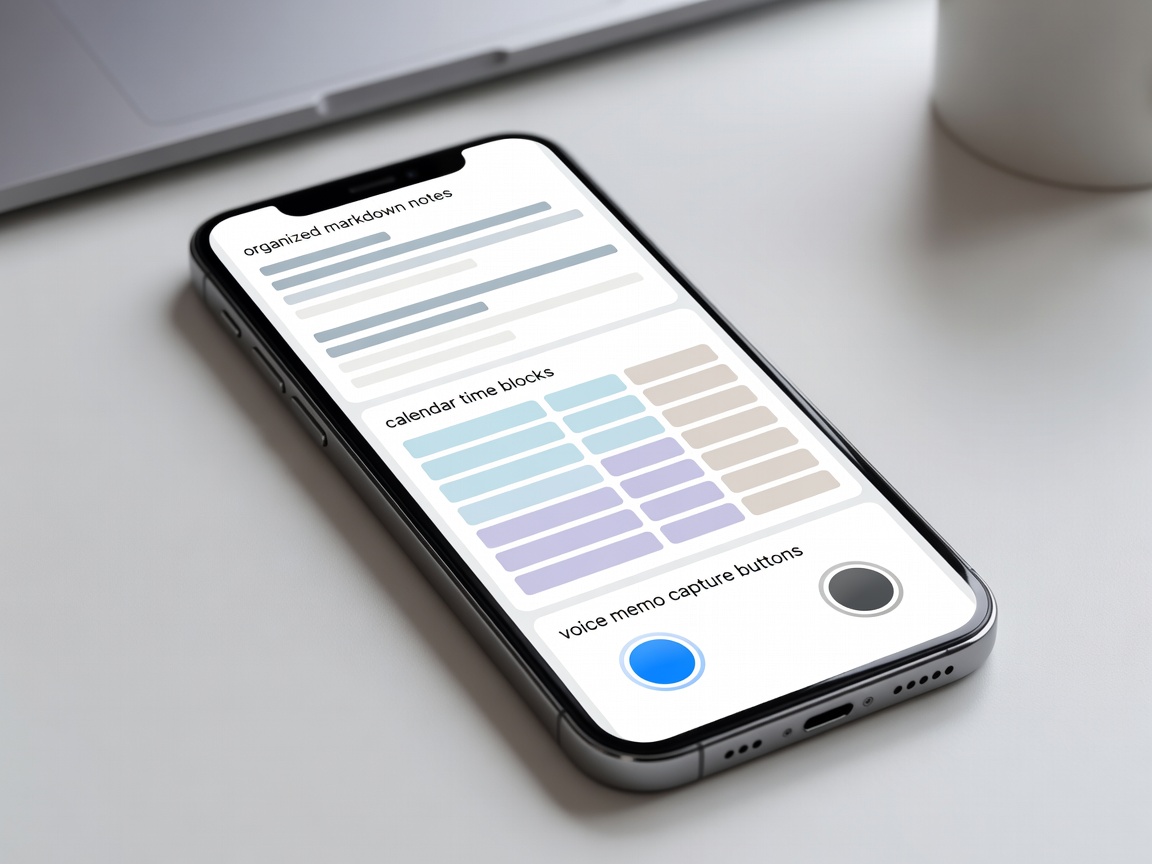
The greatest strength of a smartphone is immediacy. You hold a computer during walks, commutes, and physical meetings. When an observation or critical task emerges, the time between thought inception and recorded storage must be under three seconds.
Relying on complex folder hierarchies during capture leads to friction and abandoned ideas. Practical mobile workflows utilize an append-only inbox—a single plain-text note or localized voice transcription system where thoughts land instantly, leaving classification and synthesis for a dedicated desktop review session.
Taming the Notification Landscape
Default smartphone settings treat all notifications as emergencies. A promotional shopping reminder vibrates with identical haptic urgency to an urgent family call. Reclaiming executive focus demands aggressive system-level filtering.
Notification Tiers for High Output
Categorize app alerts into three distinct buckets: Immediate (direct person-to-person phone calls), Scheduled Digests (emails and forum notifications delivered in a batch at 12:00 and 17:00), and Completely Silenced (all marketing, badge counts, and unprompted app suggestions).
File Synchronization Without Ecosystem Lock-In
Proprietary cloud platforms often lock user files into non-standard database containers. If a vendor discontinues an app or hikes monthly pricing, extracting your personal archives can become painful.
Durable workflows prioritize open file structures, such as Markdown, standard PDFs, and uncompressed audio formats. Using open-standard synchronization protocols (like WebDAV or peer-to-peer folder sync) ensures that your mobile notes remain accessible on Linux, Windows, macOS, or any future operating system.
| Workflow Domain | Traditional Approach | Resilient Editorial Approach | Primary Advantage |
|---|---|---|---|
| Idea Capture | Nested cloud folders | Single append-only text stream | Sub-three-second capture speed |
| Task Management | Proprietary SaaS tool | Plain-text task lists (todo.txt/markdown) | Permanent data ownership |
| Voice Input | Cloud voice assistants | On-device whisper neural models | Instant transcription in dead zones |
Automation and System Scripts
Both modern mobile operating systems support automated macro pipelines (such as iOS Shortcuts and Android automation runners). By connecting system triggers—such as entering a specific Wi-Fi network, connecting to an external display, or charging at night—users can automate routine administrative chores without cognitive overhead.
Good For:
- Transforming fragmented commute time into structured voice journaling sessions.
- Maintaining a single offline repository of critical reference documents and project roadmaps.
- Automating standard email replies and status reports via tactile home-screen widgets.